Jump to section:
How Conductor Streamlines the Login Experience
When to Use Portal vs. When to Use Conductor
Getting the Most from Conductor
Introduction
Conductor is a free enhancement to apexanalytix-powered customer portals. Conductor is not meant to replace your portal, but provide you with a new "front door" into the different portals you work within.
How Conductor Streamlines the Login Experience
Before Conductor, your workflow may have looked like this:
You have the URLs to several different customer portals bookmarked. Somewhere, either in a document on your computer, or maybe a scrap of paper on your desk, you have all the different usernames and passwords for all of these portals written down. Each portal has different password requirements, all the passwords need to be changed frequently, and it's difficult to manage.
Here's what that workflow looks like after Conductor:
You have the link conductor.apexanalytix.app bookmarked. You sign in with a passkey, or with your business email. From the Conductor dashboard, you can check the status of all invoices across all apexanalytix-powered portals you're connected to. When you need to access an individual portal, you can quickly SSO from Conductor.
By simplifying the process of logging into multiple Portals, while also giving you a snapshot view into all invoices, Conductor saves you time and reduces your portal fatigue.
When to Use Portal vs. When to Use Conductor
Conductor is a new "front door" into all the Portals you need to access in your day-to-day, and will make quickly assessing invoices statuses a breeze. However, you will still need to access individual client portals to take specific actions. Here is a quick summary of actions you would take in Conductor, vs. actions you might take in a customer portal.
In Conductor, you can:
- Quickly check invoice statuses across multiple customers
- See early pay opportunities across all customers
- See tasks across all customers
- Assess your company's business risk signals
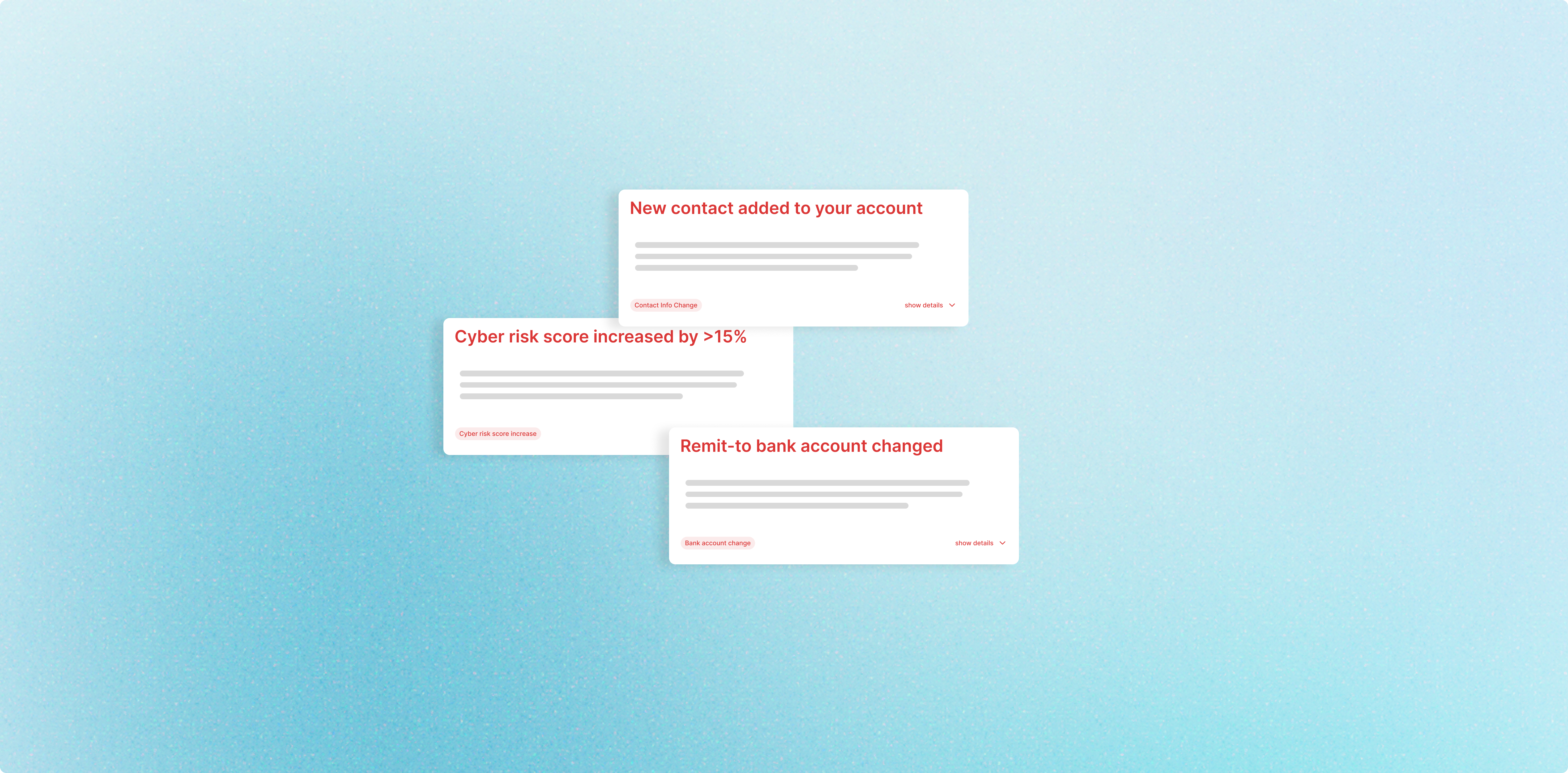
- Monitor and manage Critical Business Alerts
In Portal, you can:
- Submit invoices to individual customers
- Upload customer-specific documentation
- Make customer specific inquires
Getting the Most from Conductor
While Conductor is a great resource for quickly checking invoices statuses and navigating to multiple Portals, it also provides you with free tools to assess your company's risk and reputation.
You can get the most out of Conductor by inviting your colleagues to work with you inside of Conductor. While Finance professionals will find the invoice and task information useful, your Risk and IT peers will also benefit from the free, aggregated risk information that can help your company to manage it's own risk and become more trustworthy business partners to your customers.

.png?width=2240&height=1260&name=invoices%20(3).png)