.png?width=2240&height=1260&name=invoices%20(3).png)
How-To
About Conductor
Invoice Management
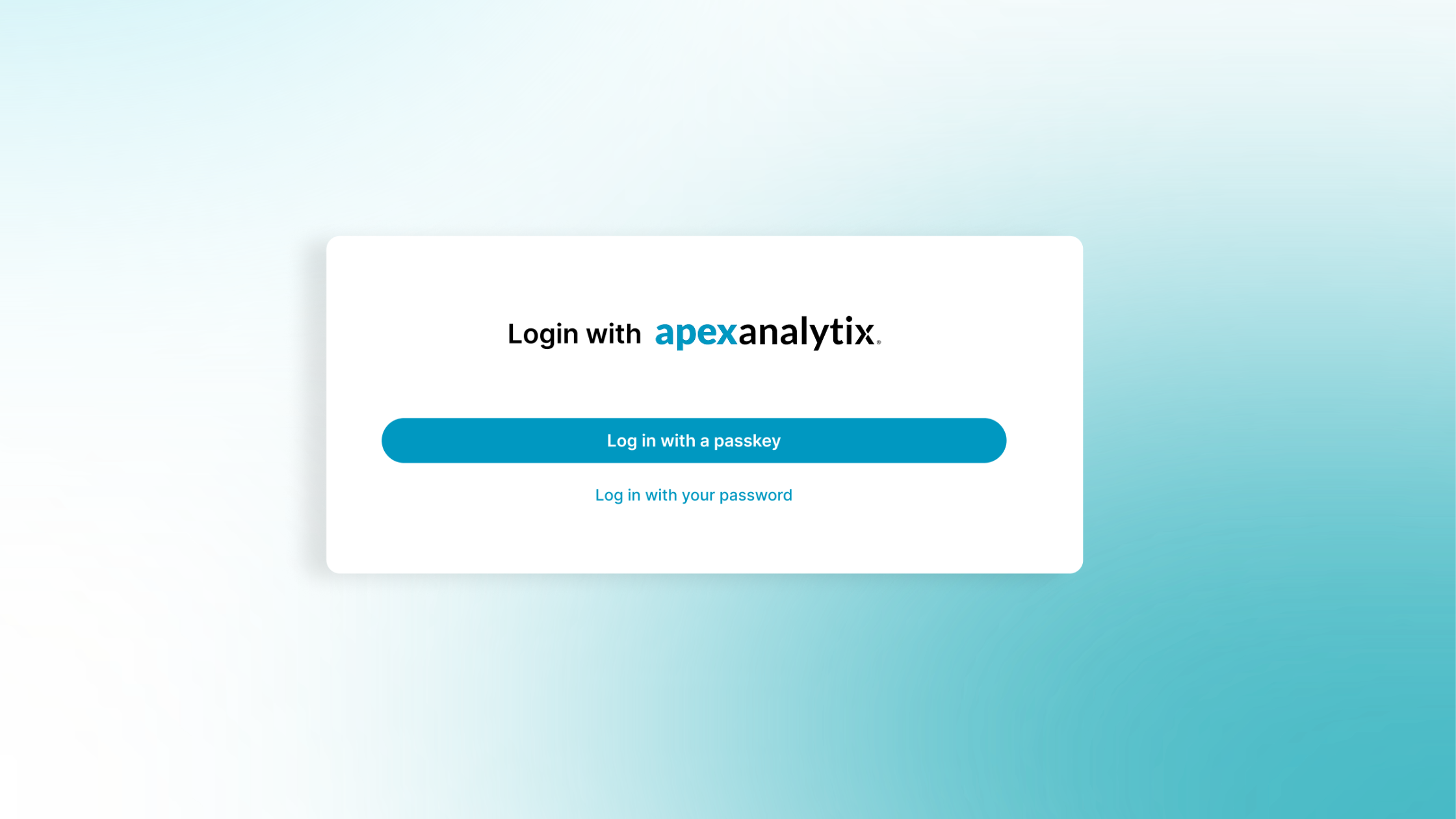

Logging into customer portals should be the easiest part of your day—not the hardest. That’s why we’re excited to introduce a new way for you to access all your apexanalytix-powered buyer portals: Login with apexanalytix.
 When navigating to the login page of your customer portal, you'll now see the above prompt.
This universal login process is designed to simplify access, strengthen security, and give you more control. Here’s everything you need to know.
Login with apexanalytix is a universal supplier login that replaces separate portal logins with one secure set of credentials. Instead of juggling multiple usernames and passwords across buyer portals, you’ll now use just one login everywhere.
One username and password across all apexanalytix-supported portals
Automatic conversion of your existing credentials—no setup required
Seamless transfer of your passkeys if you’re already using them
Self-service credential management so you can reset or update access whenever you need
The rollout is happening now. Once your buyers enable Conductor in their portals, your login will automatically switch to Login with apexanalytix.
How does Login with apexanalytix work?
Login with apexanalytix converts your portal username (which may look like 'SP.NAME.NUMBER') into the business email associated with your account.
This conversion process will happen like this:
Navigate to your portal login page and click on "Login with apexanalytix" in the top right to encounter the new login process for the first time. The first time you use Login with apexanalytix, you can use your portal username as usual. Initiating this first login will cause your username to be converted to the business email associated with your account. Now, whenever you login to any apexanalytix-powered customer portal, you will use your email as your username. Your password will remain the same. 
How do I know if a customer portal has been enhanced with Login with apexanalytix?
Login with apexanalytix features a new login process that starts with the "Login with apexanalytix" button. When you encounter this button, you will use your universal apexanalytix ID. Clients of apexanalytix will be rolling this enhancement out over the course of 2026. In the event that you encounter the legacy login screen, you will continue to use your unique credentials for that portal.
.png?width=6912&height=3456&name=multipleuns%20(1).png)
Why isn’t my portal username working?
Our new Login with apexanalytix experience streamlines your login experience over all apexanalytix-powered buyer portals. To accomplish this, all of your unique Portal usernames are converted to your email address when your Universal apexanalytix ID is created. If your portal username isn’t working, try using your business email address. If you’re still having problems, please contact us at support@conductor.apexanalytix.app.
Help! I don’t remember my portal username.
No problem! Reach out to support@conductor.apexanalytix.app and we’ll be happy to assist you.
What if my account has one email address tied to multiple users?
This is a common scenario, often seen when the email associated with your account is a group inbox, such as "accounting@company.com."
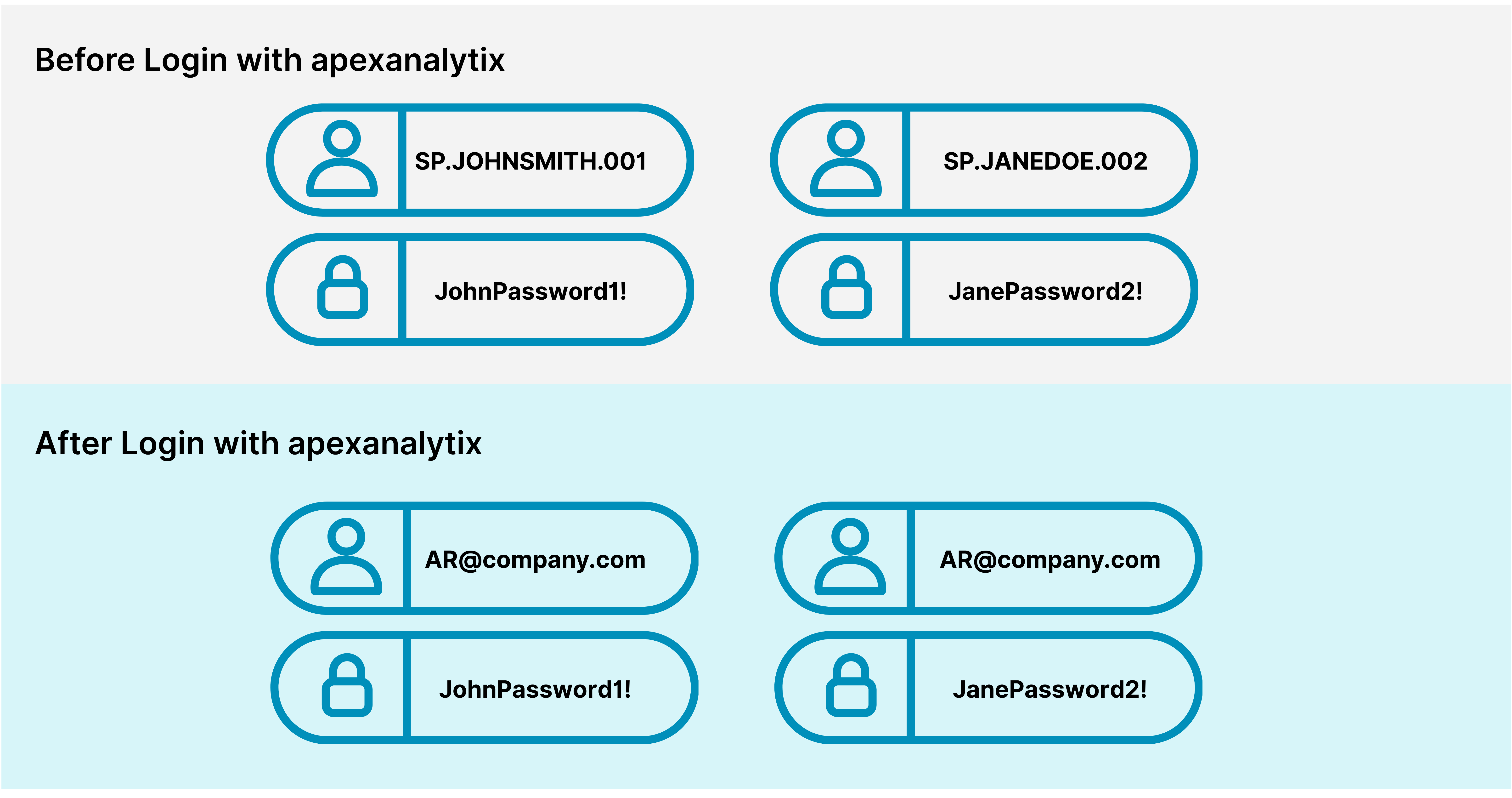
Every user and their unique username associated to the email address on your account will converted. That said, unique passwords for unique users will still apply.
For example, let's say John Smith and Jane Doe are used to logging into their portal with unique usernames and passwords. Both of their accounts are associated with the email 'AR@company.com.' After the Login with apexanalytix process, they will both login with the same email as their username, but maintain their unique passwords.
Do I have to update my passkeys?
If you already use passkeys, they’ll keep working without any extra steps.
What do I do if the MFA code email isn't showing up?
Be sure to check your spam and junk folders for your MFA code email. If you still aren't receiving the email, reach out to support@conductor.apexanalytix.app.